搜尋此網誌

顯示具有 Material design 標籤的文章。 顯示所有文章

2016年4月3日 星期日

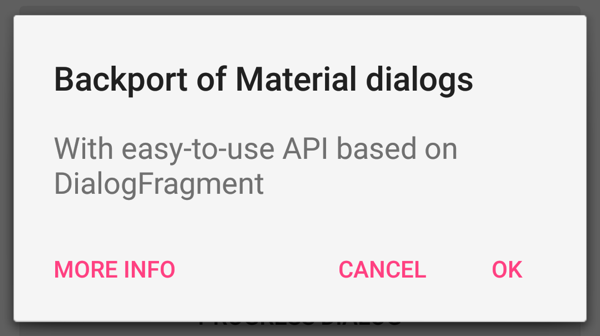
【Android】Third Party Library(Dialogs)

ref:
https://github.com/Trinea/android-open-project
https://github.com/lightSky/Awesome-MaterialDesign

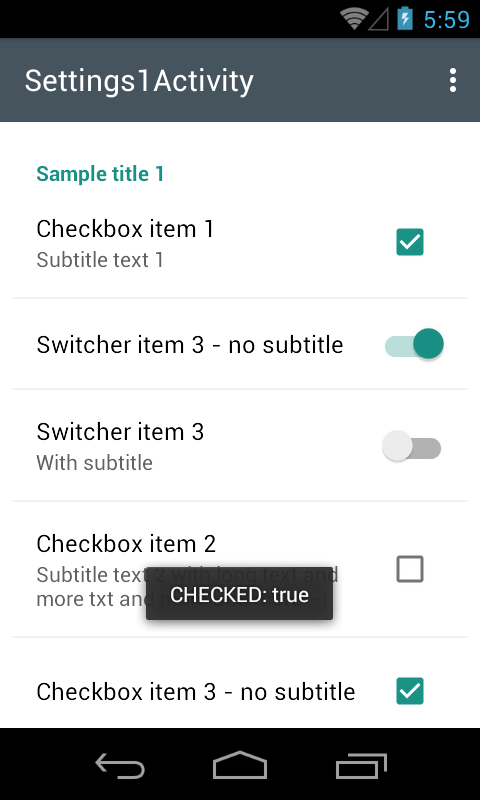
【Android】Third Party Library(View & Widget)

ref:
https://github.com/Trinea/android-open-project
https://github.com/lightSky/Awesome-MaterialDesign

View


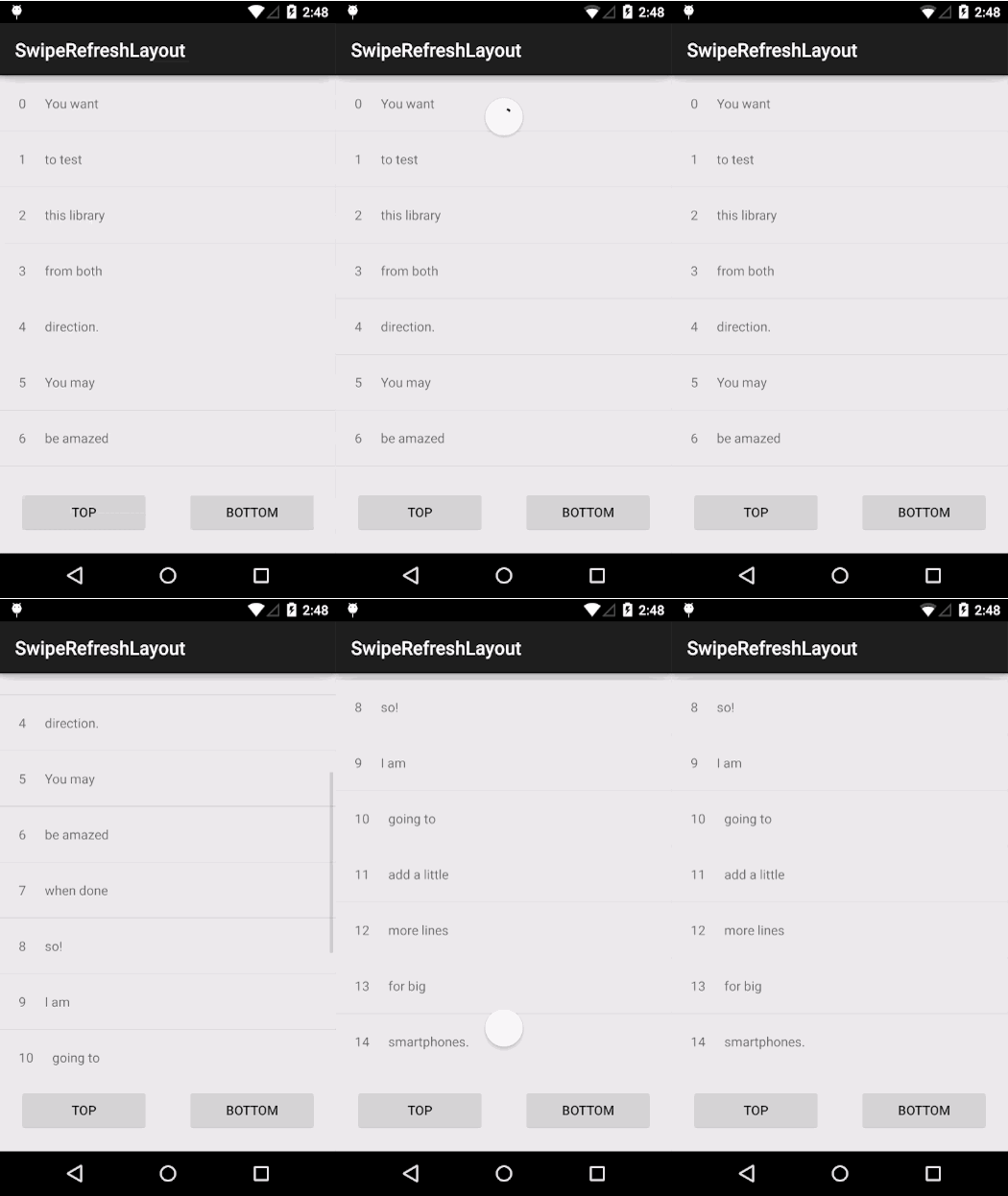
Widget


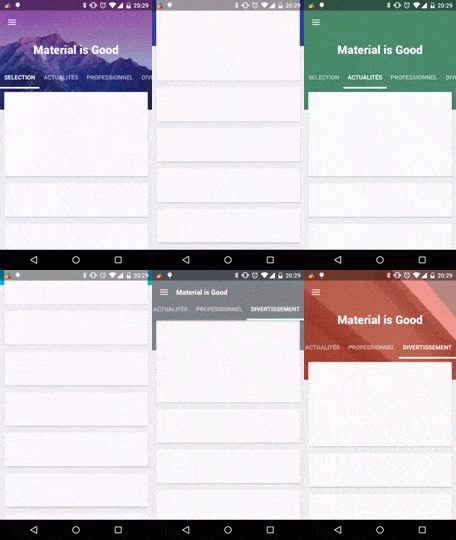
【Android】Third Party Library(Menu & Drawer)

ref:
https://github.com/Trinea/android-open-project
https://github.com/lightSky/Awesome-MaterialDesign


  • Material Design Android Library

  • 2015年8月26日 星期三

    【Android】add (vertical) divider/seam to a horizontal LinearLayout?

    ref:Add devider or seams between each layouts

    【Android】How can I add the new “Floating Action Button” between two widgets/layouts

    ref:add the new “Floating Action Button” between two widgets/layouts

    Best practice:
    • Add compile 'com.android.support:design:22.2.0' to gradle file
    • Use CoordinatorLayout as root view.
    • Add layout_anchorto the FAB and set it to the top view
    • Add layout_anchorGravity to the FAB and set it to: bottom|right|end

    【Android】Android Support Design TabLayout: Gravity Center and Mode Scrollable

    簡單來說,問題是

    設定tabLayout.setTabMode(TabLayout.MODE_SCROLLABLE);

    手機直立顯示,Tab在畫面上看起來很正常,超出螢幕的寬度,可以用scroolable解。


    當手機橫置顯示時,Tab的總寬度小於螢幕寬度太多,造成視覺上很奇怪,如何解?

    答案:

    As I didn't find why does this behaviour happen I have used the following code:
    float myTabLayoutSize = 360;
    if (DeviceInfo.getWidthDP(this) >= myTabLayoutSize ){
        tabLayout.setTabMode(TabLayout.MODE_FIXED);
    } else {
        tabLayout.setTabMode(TabLayout.MODE_SCROLLABLE);
    }
    Basically, I have to calculate manually the width of my tabLayout and then I set the Tab Mode depending on if the tabLayout fits in the device or not.
    The reason why I get the size of the layout manually is because not all the tabs have the same width in Scrollable mode, and this could provoke that some names use 2 lines as it happened to me in the example.

    在不同顯示下,使用不同的顯示方式。
    上述解答,應需加
    app:tabGravity="fill"
    才可以達到想要的效果。