Note....
搜尋此網誌
2016年4月3日 星期日
【Android】Third Party Library(Dialogs)
ref:
https://github.com/Trinea/android-open-project
https://github.com/lightSky/Awesome-MaterialDesign
StyledDialogs for Android
https://github.com/avast/android-styled-dialogs#styleddialogs-for-android
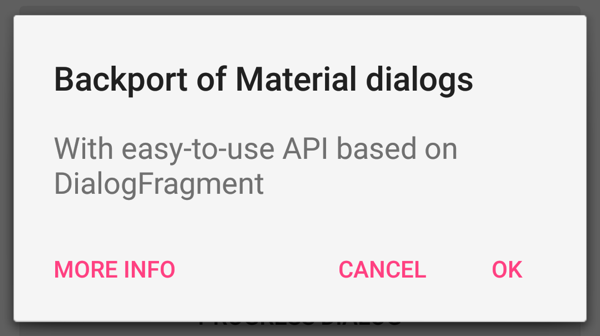
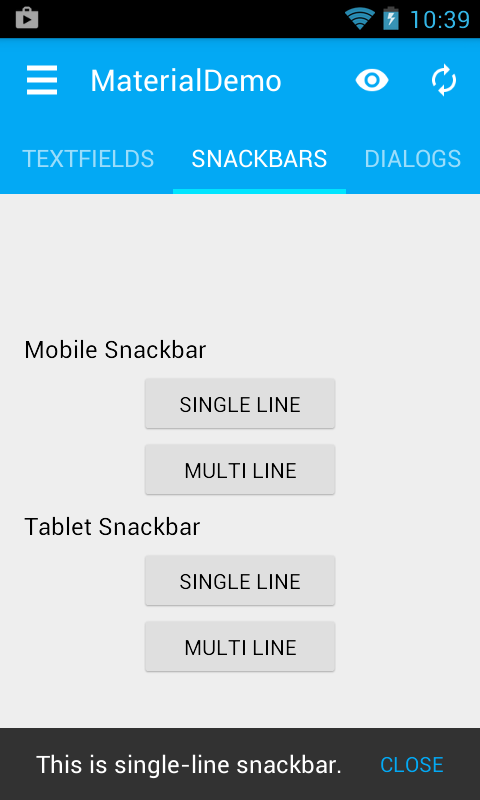
Material Dialogs
https://github.com/afollestad/material-dialogs#material-dialogs
【Android】Third Party Library(View & Widget)
ref:
https://github.com/Trinea/android-open-project
https://github.com/lightSky/Awesome-MaterialDesign
View
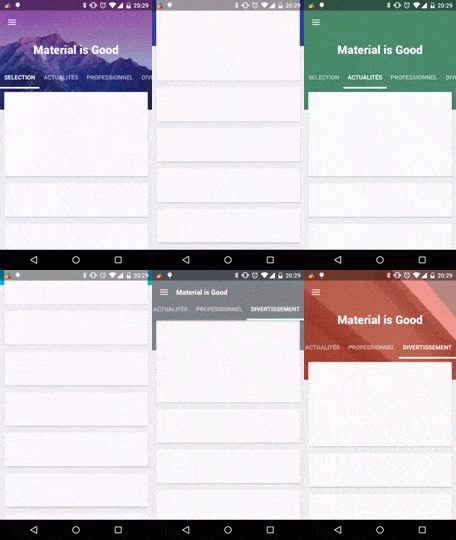
MaterialViewPager
https://github.com/florent37/MaterialViewPager#materialviewpager
MaterialPreference
https://github.com/jenzz/Android-MaterialPreference#android---materialpreference
Widget
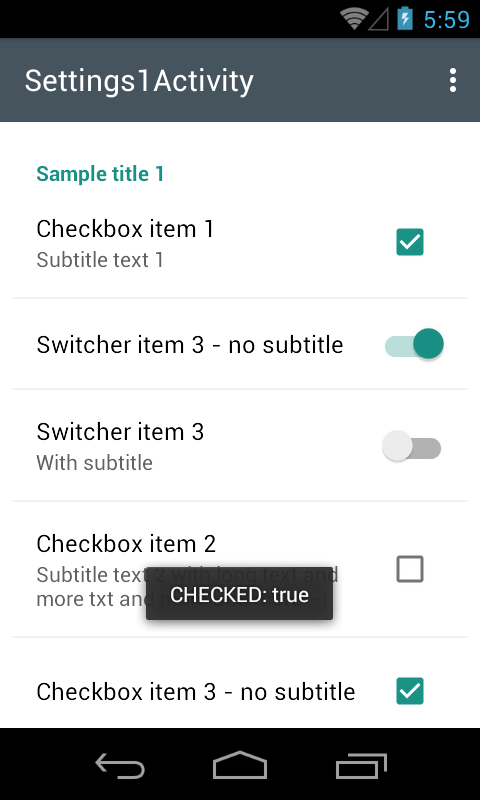
MaterialSettings
https://github.com/kenumir/MaterialSettings#materialsettings
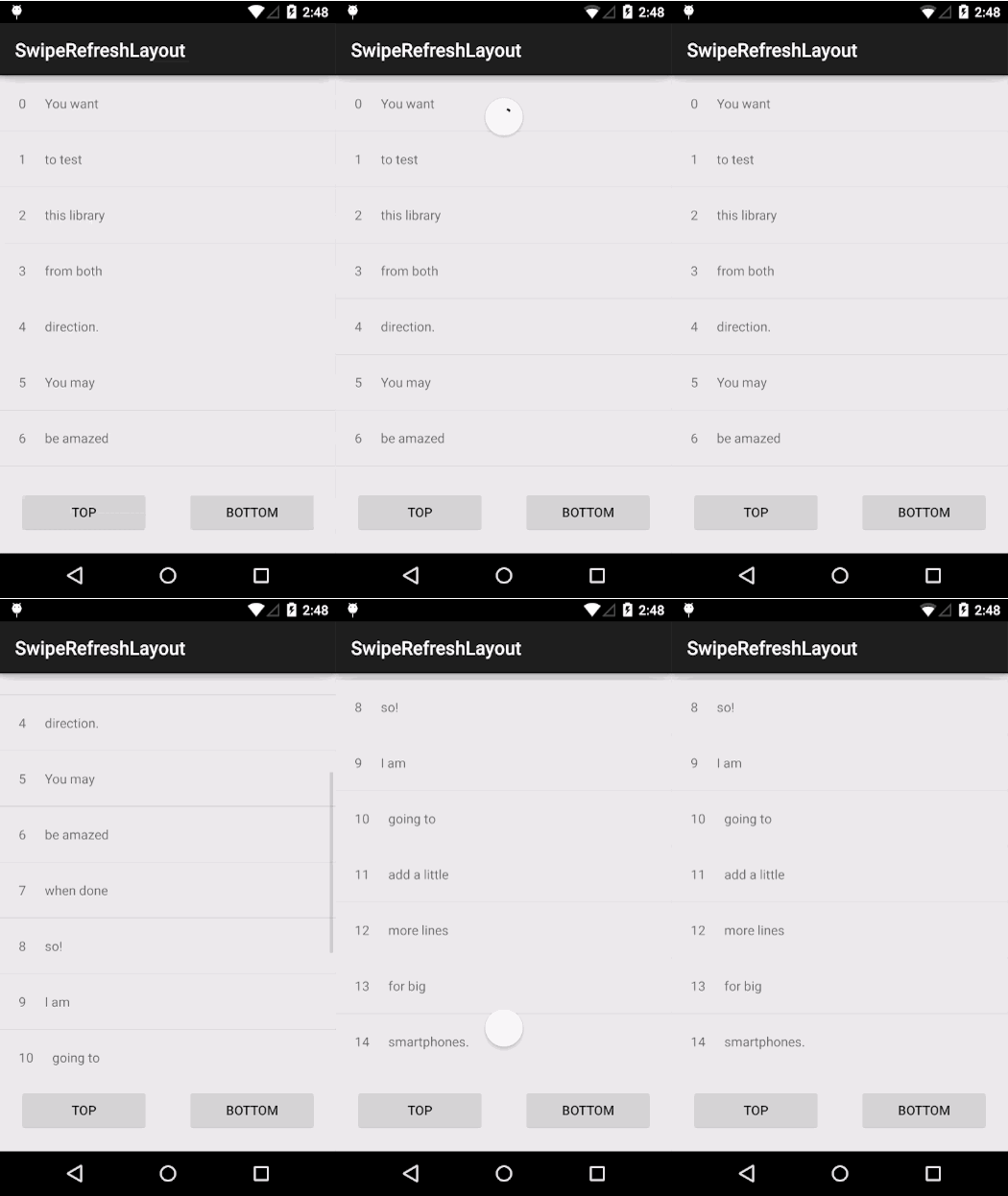
SwipyRefreshLayout
https://github.com/OrangeGangsters/SwipyRefreshLayout#swipyrefreshlayout-
【Android】Third Party Library(Menu & Drawer)
ref:
https://github.com/Trinea/android-open-project
https://github.com/lightSky/Awesome-MaterialDesign
MaterialDrawer
https://github.com/mikepenz/MaterialDrawer#materialdrawer----
Material Design Android Library
https://github.com/DenisMondon/material-design-library#material-design-library
Material
https://github.com/rey5137/material#material
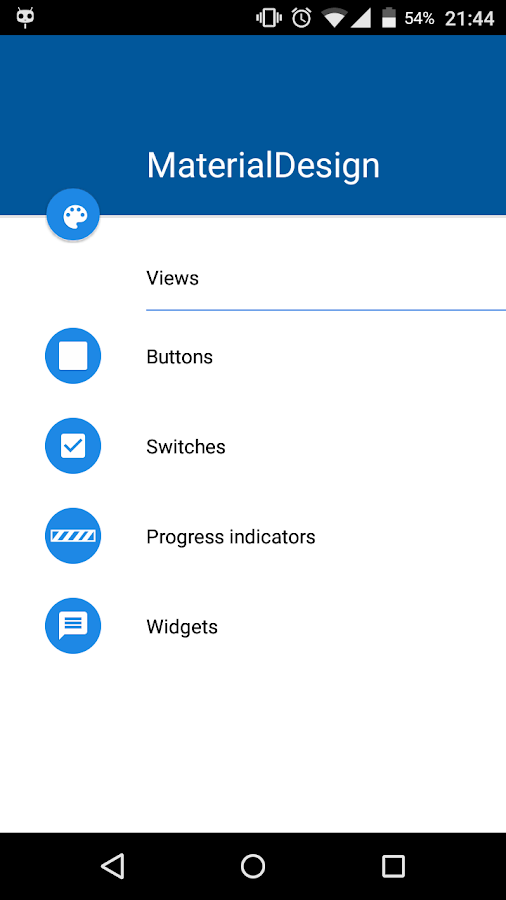
Material Design Android Library
https://github.com/navasmdc/MaterialDesignLibrary#material-design-android-library
【Android】Third Party Library(FloatingActionButton)
ref:
https://github.com/Trinea/android-open-project
https://github.com/lightSky/Awesome-MaterialDesign
實在不想找每次library時,都由上述網址,從頭到尾掃完一次。挺花時間的,所以整理一下,可能會用到的。
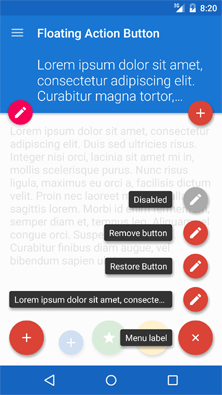
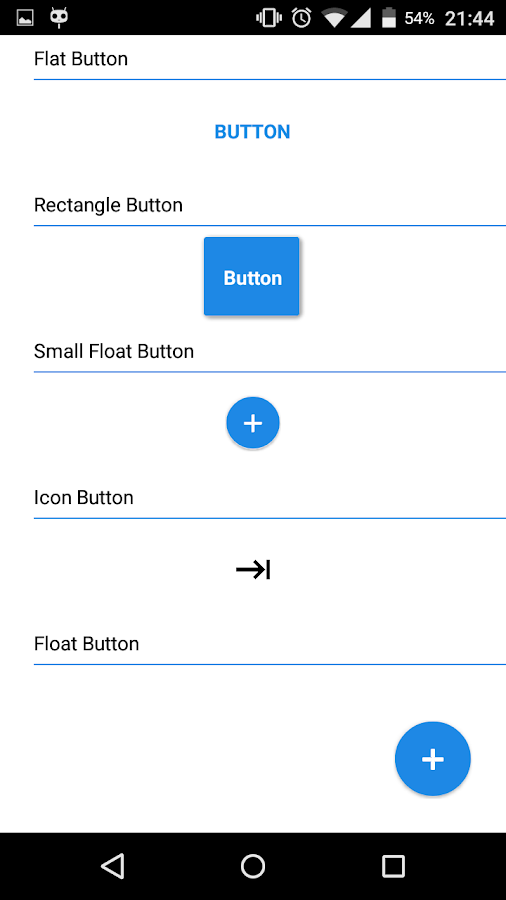
FloatingActionButton
https://github.com/futuresimple/android-floating-action-button#floatingactionbutton
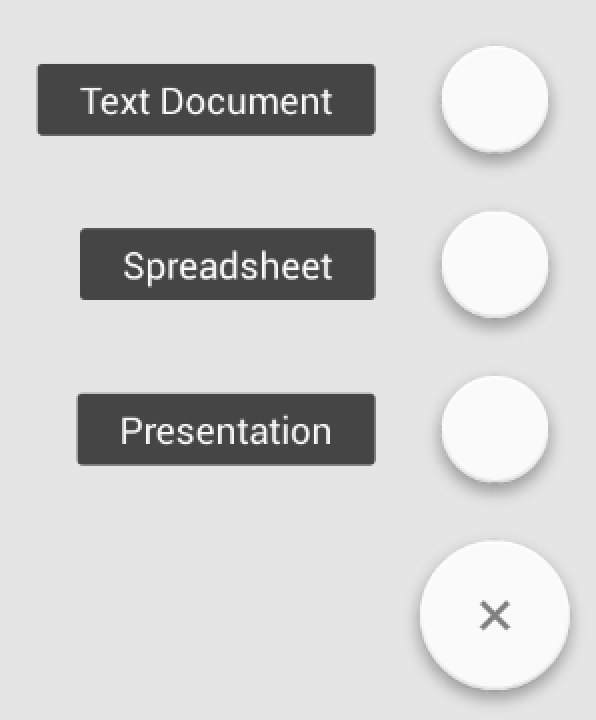
FloatingActionMenu/Button
https://github.com/Clans/FloatingActionButton#floatingactionbutton
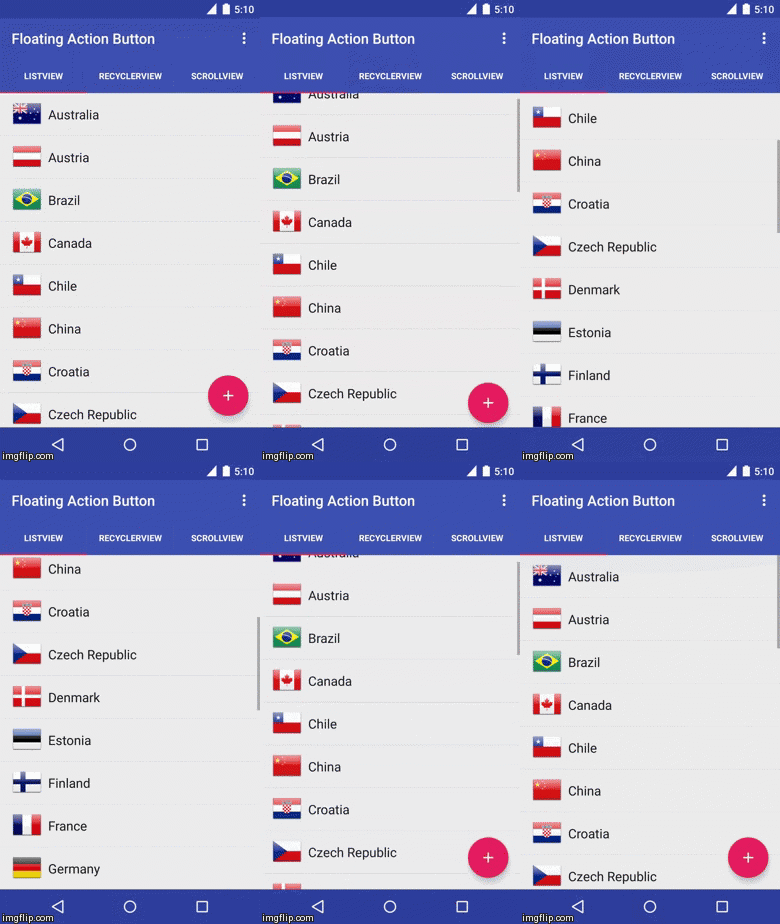
FloatingActionButton
https://github.com/makovkastar/FloatingActionButton#floatingactionbutton
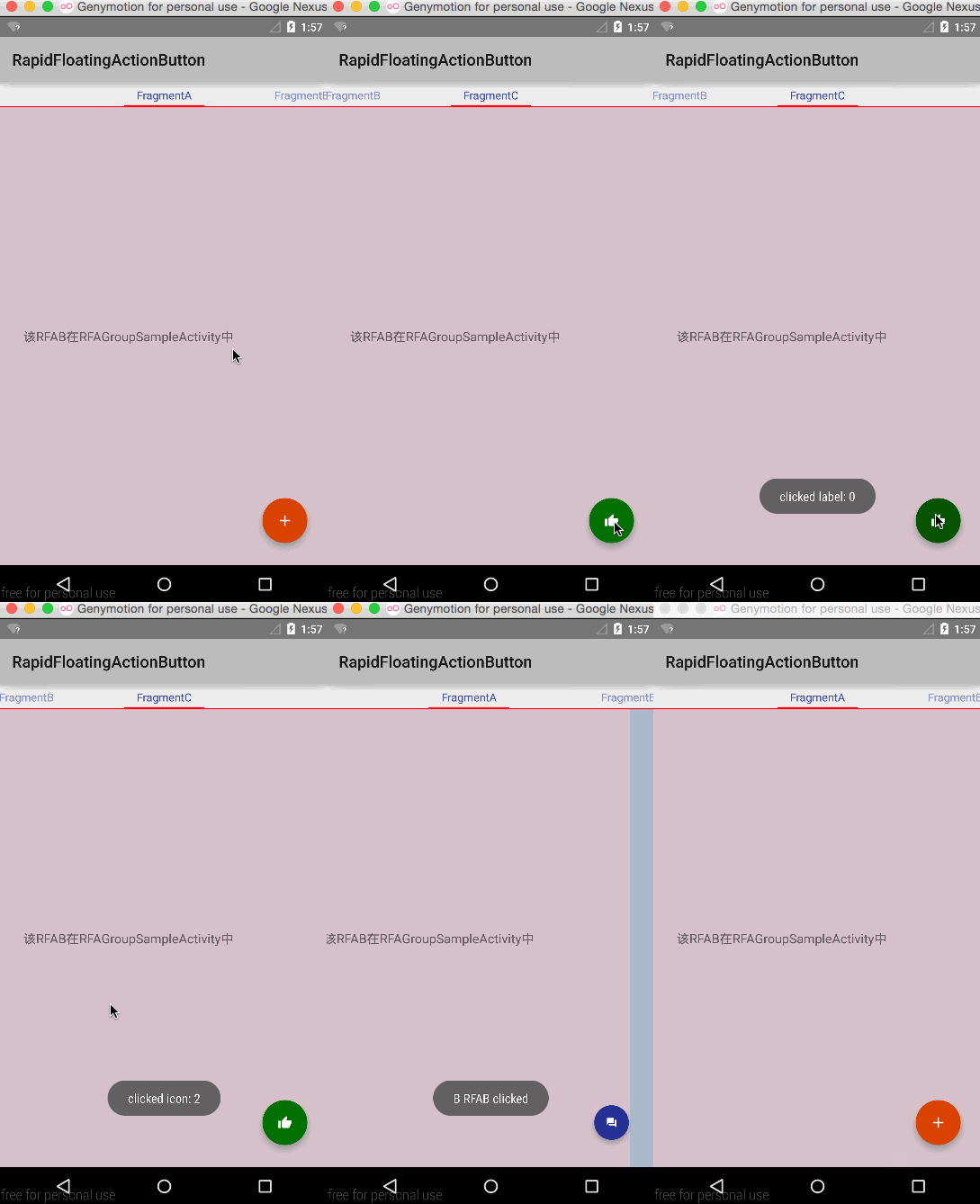
RapidFloatingActionButton
https://github.com/wangjiegulu/RapidFloatingActionButton#rapidfloatingactionbutton
2016年3月29日 星期二
【Note】Chrome 下載續傳功能
如題
chrome://flags/#enable-download-resumption
ref:
https://www.ptt.cc/bbs/Google/M.1459238012.A.DDE.html
2016年3月27日 星期日
【VirtualBox】設定VirtualBox解析度不再是640x480等功能
ref:
http://blog.xuite.net/yh96301/blog/41927001
http://elesson.tc.edu.tw/~yunol/VirtualBox/index01.html
滑鼠在virtual machine和host computer自由移動(不須按右側ctrl切換)
調整virtual machine上的解析度,呈現出的畫面不再是小小的640x480
安裝VirtualBox Guest Additions,這是安裝完VirtualBox 後,\Oracle\VirtualBox資料夾就找的到,不必額外上網找安裝檔案。
工具列→裝置→CD/DVD裝置→更多CD/DVD映像→選擇\Oracle\VirtualBox\VBoxGuestAdditions.iso→掛載安裝。
重開機
ref:
http://blog.xuite.net/yh96301/blog/41935362
可讓virtual machine和host computer共用資料夾。
VirtualBox
工具列→裝置→共用資料夾→加入共用資料夾按鈕→資料夾路徑選"其他"→選要儲存的資料夾→確定。
勾選→"自動掛載"和"永久性"→確定。
開啟虛擬機器的檔案總管。
網路→開啟網路探索與檔案共用
開啟分享的電腦
選擇分享的資料夾→滑鼠右鍵→連接網路磁碟機
勾選登入時重新連線
2016年3月20日 星期日
【Note】Bluetacks完整移除
ref:
http://forum.gamer.com.tw/Co.php?bsn=60030&sn=1554883
方法一
使用Revo Uninstaller完整移除。
方法二
執行內建的bluestacks 反安裝程式。
但會遇到,再次安裝,出現無法安裝,檔案已存在之類的訊息。
原因是,反安裝程式,並沒有把註冊碼一併移除。造成安裝時系統誤判檔案已存在。
所以:
砍以下檔案
1) C:\ProgramData\BlueStacks
2) C:\Program Files (x86)\BlueStacks or C:\Program Files\BlueStacks
3) C:\Users\ \AppData\Local\BlueStacks
如發現資料無法刪除,請開起工作管理員 顯示所有使用者處理程序
將HD-相關程序結束
復制以下資料 利用記事本存成REG 執行 會清除相關登錄資料
↓↓↓↓↓↓↓↓↓↓以下開始複製↓↓↓↓↓↓↓↓↓↓↓↓↓↓↓↓↓↓↓↓↓↓↓↓↓↓
Windows Registry Editor Version 5.00
[-HKEY_CURRENT_USER\Software\BlueStacks]
[-HKEY_LOCAL_MACHINE\SOFTWARE\BlueStacks\Guests]
[-HKEY_LOCAL_MACHINE\SOFTWARE\BlueStacks\Guests\Android]
[-HKEY_LOCAL_MACHINE\SOFTWARE\BlueStacks\Guests\Android\AudioDevice]
[-HKEY_LOCAL_MACHINE\SOFTWARE\BlueStacks\Guests\Android\BlockDevice]
[-HKEY_LOCAL_MACHINE\SOFTWARE\BlueStacks\Guests\Android\Config]
[-HKEY_LOCAL_MACHINE\SOFTWARE\BlueStacks\Guests\Android\FileSystem]
[-HKEY_LOCAL_MACHINE\SOFTWARE\BlueStacks\Guests\Android\FrameBuffer]
[-HKEY_LOCAL_MACHINE\SOFTWARE\BlueStacks\Guests\Android\NetworkDevice]
[-HKEY_LOCAL_MACHINE\SOFTWARE\BlueStacks\LogRotator]
[-HKEY_LOCAL_MACHINE\SOFTWARE\BlueStacks\LogRotatorService]
[-HKEY_LOCAL_MACHINE\SOFTWARE\BlueStacks\Monitors]
[-HKEY_LOCAL_MACHINE\SOFTWARE\BlueStacks\Updater]
[-HKEY_LOCAL_MACHINE\Software\BlueStacks]
正確變更副檔名
以win7為例 可以到 控制台 資料夾選項 檢視 進階設定往下拉
隱藏已知檔案類型的副檔名 取消勾選
這樣就能看到全部檔案的副檔名
2016年3月8日 星期二
【Book】約耳趣談軟體:來自專案管理的現場實錄
ISBN:9789866348341
ref:
http://www.books.com.tw/products/0010467041
大部分都是圖書館借書,有時間想看時,排隊排很久,等借到時,又不太有時間。
有網路翻譯版真好。
完整的中文版,可以不用排隊借書或是買書哩!
http://local.joelonsoftware.com/wiki/%E9%A6%96%E9%A0%81
網路上找到其他人重點分享
約爾趣談軟體-筆記
(備份)
【Book】Clean Code 無瑕的程式碼:敏捷軟體開發技巧守則
ISBN:9789862017050
ref:
http://www.books.com.tw/products/0010579897
網路上找到其他人重點分享
Clean code: 無暇的程式碼 – 書摘心得(一)
(備份)
Clean code: 無暇的程式碼 – 書摘心得(二)
(備份)
另一人
Clean Code (1) 註解
Clean code (2) 再談 Unit test
2016年3月7日 星期一
【Food】Manuka Honey
麥蘆卡蜂蜜 https://zh.wikipedia.org/wiki/%E9%BA%A5%E8%98%86%E5%8D%A1%E8%9C%82%E8%9C%9C
較新的文章
較舊的文章
首頁
訂閱:
文章 (Atom)